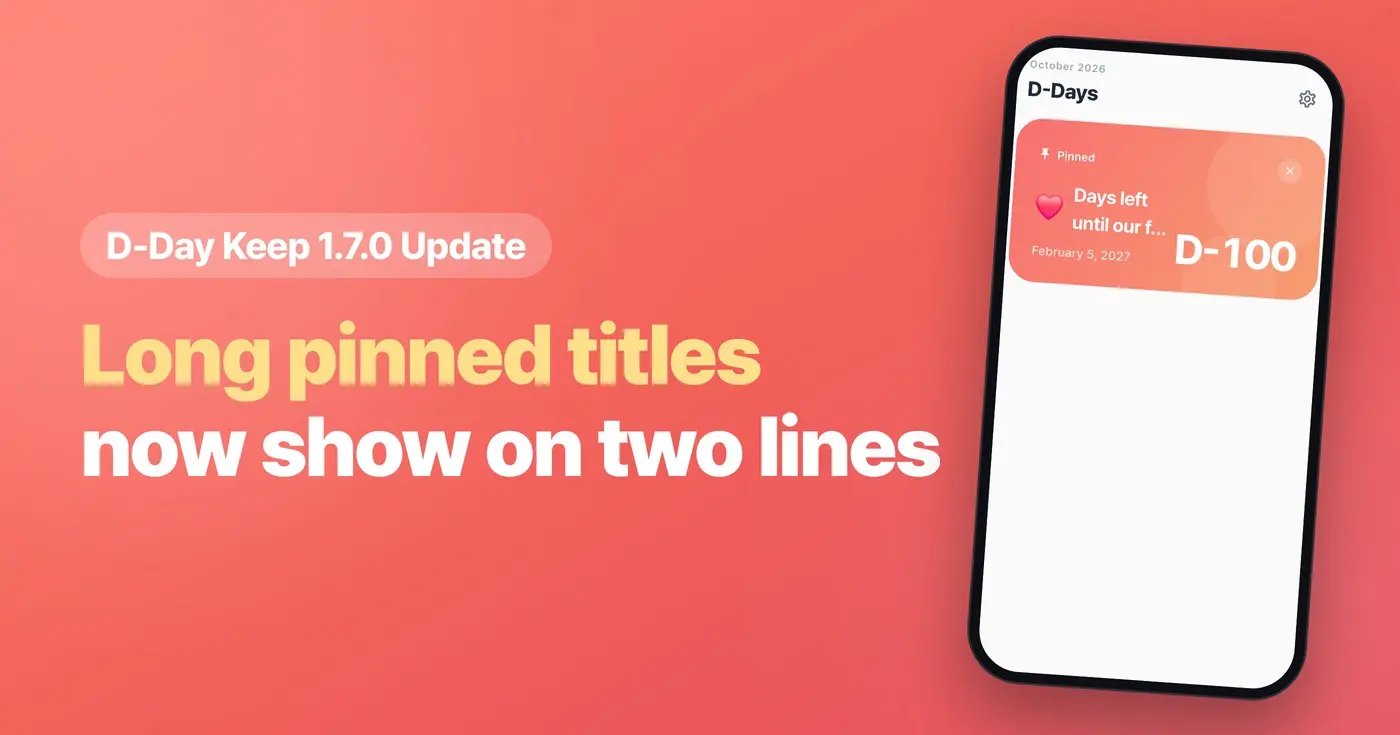
We've released D-Day Keep 1.7.0, our D-Day widget app for counting down to the days that matter. The update is now available on both Android and iOS.
Long titles on pinned D-Days now show on two lines
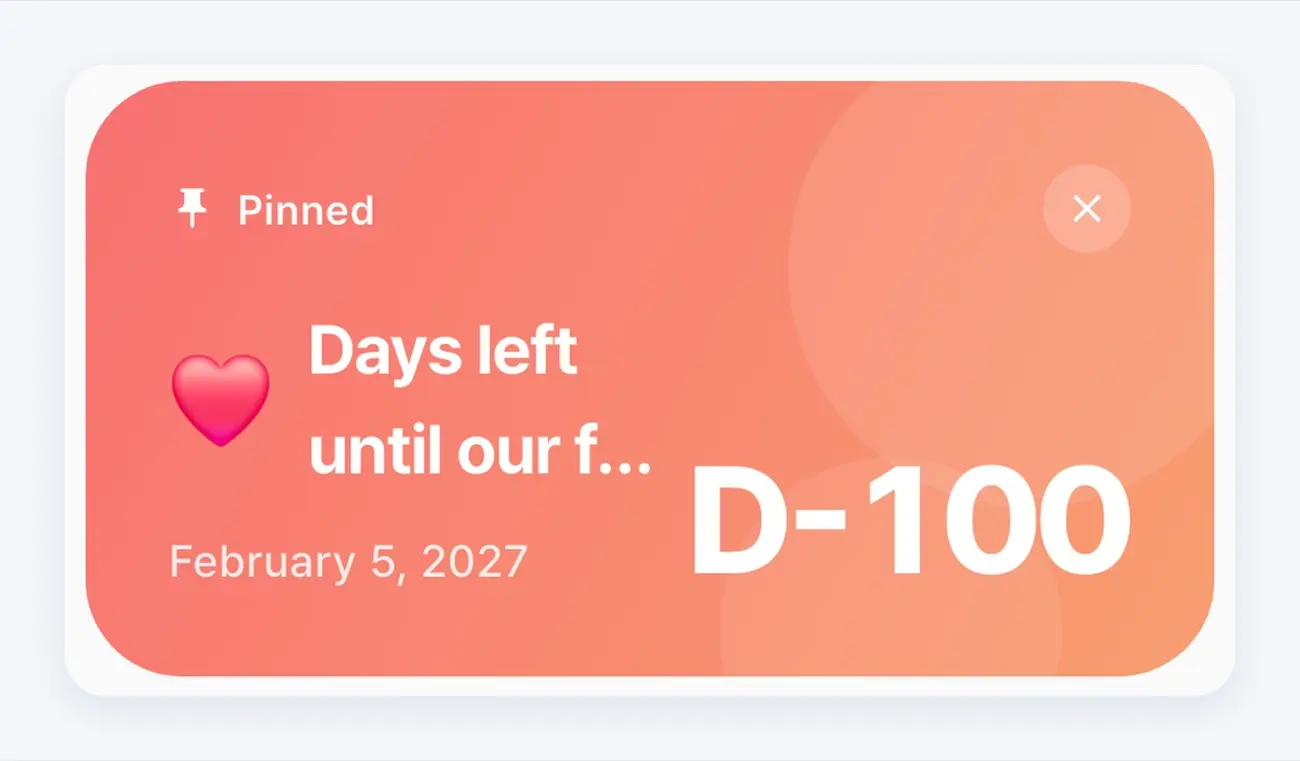
When a D-Day pinned to the top of your list had a long title, it used to be cut off after one line. Pinned D-Days now show their title on up to two lines, so more of the name fits on screen.
Add a D-Day widget to your home screen
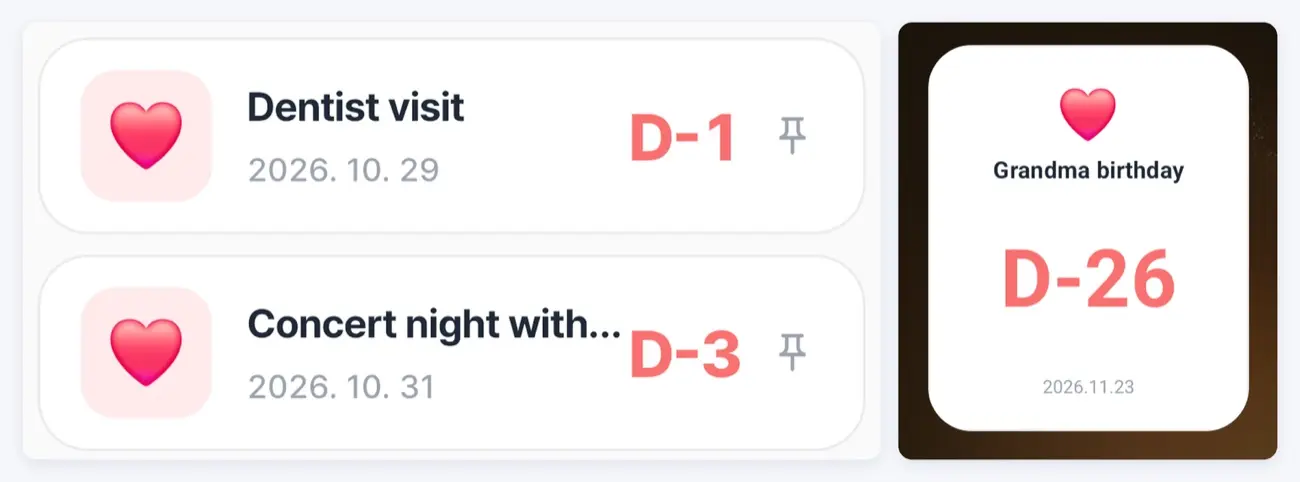
If you haven't tried the D-Day widget yet, here's how to add one.
- Android: Touch and hold an empty spot on your home screen, tap Widgets, find D-Day Keep, and place the size you want. A screen opens where you choose which D-Day the widget shows.
- iPhone (iOS 17 or later): Touch and hold an empty spot on your home screen, tap + in the top-left corner, find D-Day Keep, choose a size, and tap Add Widget.
Whether it's an anniversary, an exam, or a trip, a D-Day widget keeps the countdown on your home screen so you can check it without opening the app. Update D-Day Keep and set up your D-Day widget today.
Download
- Open on your phone: https://codesand.co.kr/s/BLTTpLr
- App Store: https://apps.apple.com/app/id6772022931
- Google Play: https://play.google.com/store/apps/details?id=com.codesandkr.dkeep