Hi, this is Hanjjok.
Version 1.2.4 is now available on both Google Play and the App Store. You can update right away.
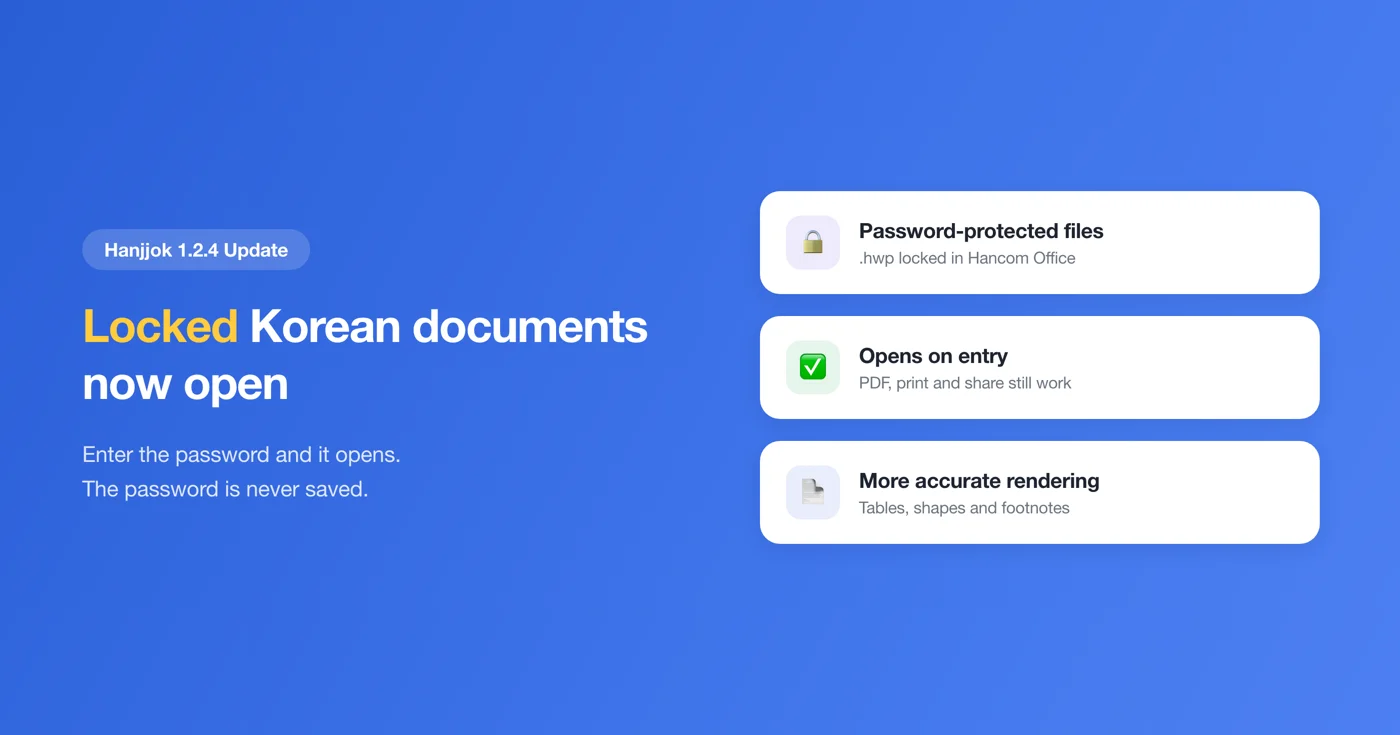
The focus of this update is password-protected HWP documents.
Until now, opening an .hwp file that had a document password set in Hancom Office (Korea's standard word processor, widely used in government and schools) only showed the message "Encrypted documents are not supported." Even if you knew the password, there was nothing you could do. Now they open.
Enter the password and it opens
When you pick a locked document, Hanjjok asks for the password. Enter it and the document opens right away — and from there everything works as usual: PDF conversion, printing, sharing and text extraction.
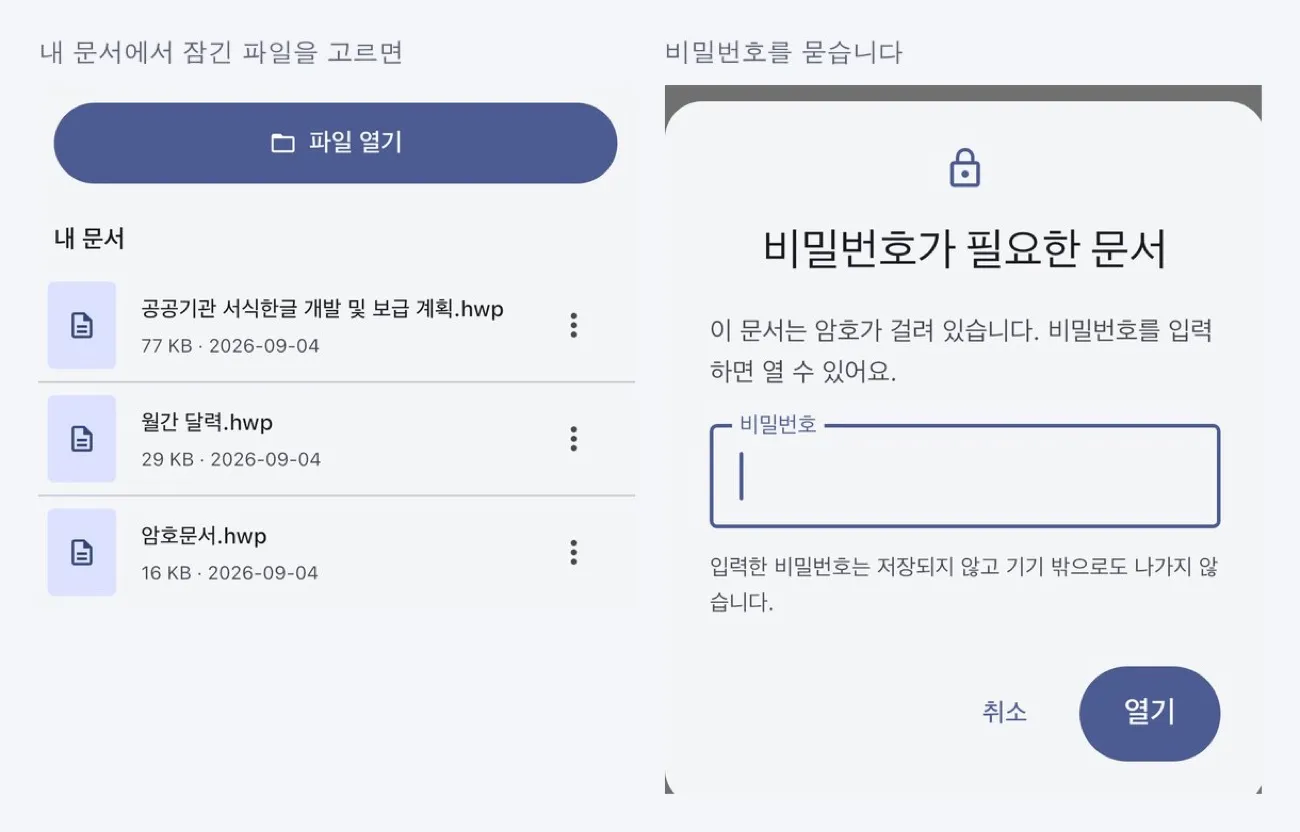
We never store your password
We want to be clear about this.
The password you enter is not stored anywhere. It stays in memory only while the document is being opened, and it is gone once you leave the screen. It is not kept in your recent documents, in settings or in logs. If you close the app and open the same document again, you will be asked for the password again. That may feel like an extra step, but we believe it is the right way to do it.
It never leaves your device, either. Hanjjok processes every document on your device without sending it to a server, and the same goes for passwords.
What still won't open
To be upfront, the following still cannot be opened with this update:
- DRM-protected documents — locks applied by corporate document-security systems are a different kind of protection
- Password-protected documents in very old formats — some methods from the Hangul 3.0 era (the mid-1990s)
Also, this does not apply to .hwpx files. Hancom Office does not offer document passwords for HWPX, so locked HWPX files are never created in the first place.
Documents look more accurate
We replaced the engine that draws documents on screen with an entirely new version. Image cropping, image borders and footnotes are all handled better.
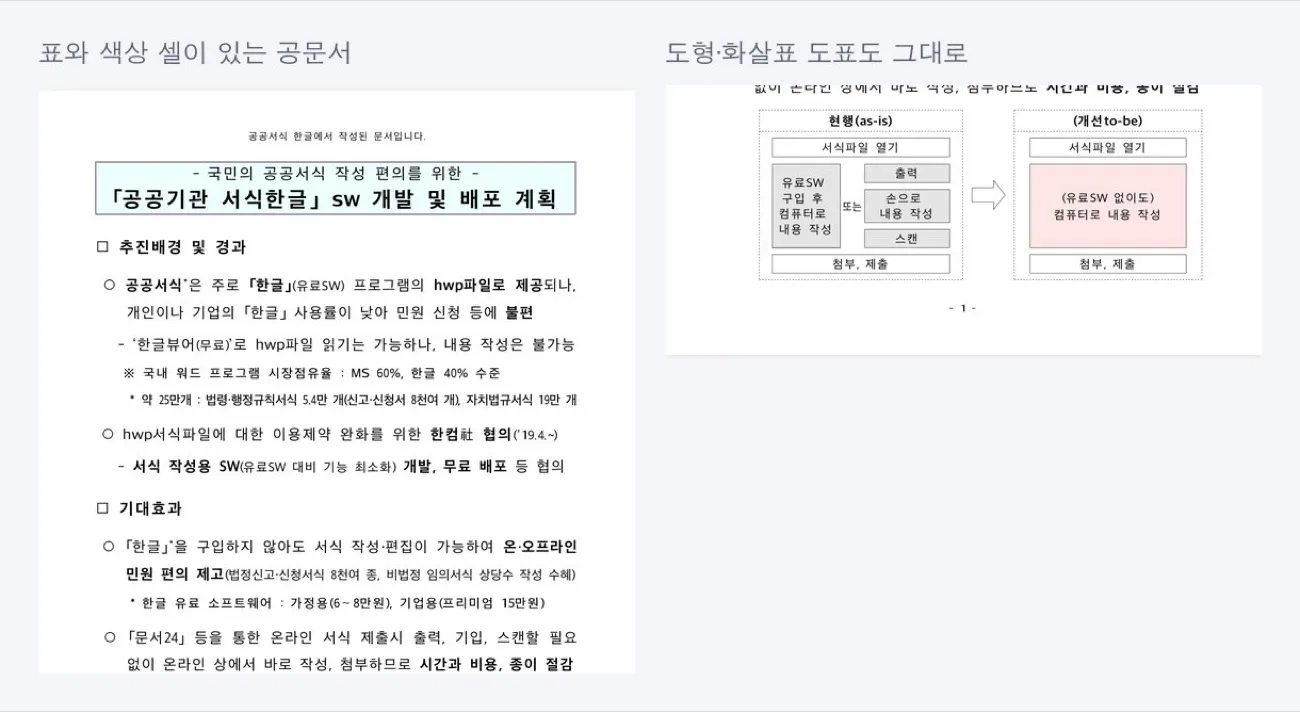
The difference shows in complex documents, such as table-heavy official documents or plans that mix shapes and arrows. We checked a wide range of documents so that existing files would not look different, but if you notice anything that changed from before, please let us know through Settings → Feedback and attach the file.
Fixed: documents disappearing after you unlock the screen
If you locked the screen with a document open and came back a few minutes later, you could find only a blank screen where the document had been.
Your device reclaims resources the app was using to save power, and the app had no step to restore them when you came back. Now it checks its state when you return and reloads the document if needed. If it still cannot recover, you will see a message with a Try again button.
If the document was password-protected, we will ask for the password again when you return — because we never store it.
A clearer Remove Ads purchase screen
We removed the confirmation dialog that appeared when you tapped "Remove ads." Instead, the notice is now always shown on the purchase screen.
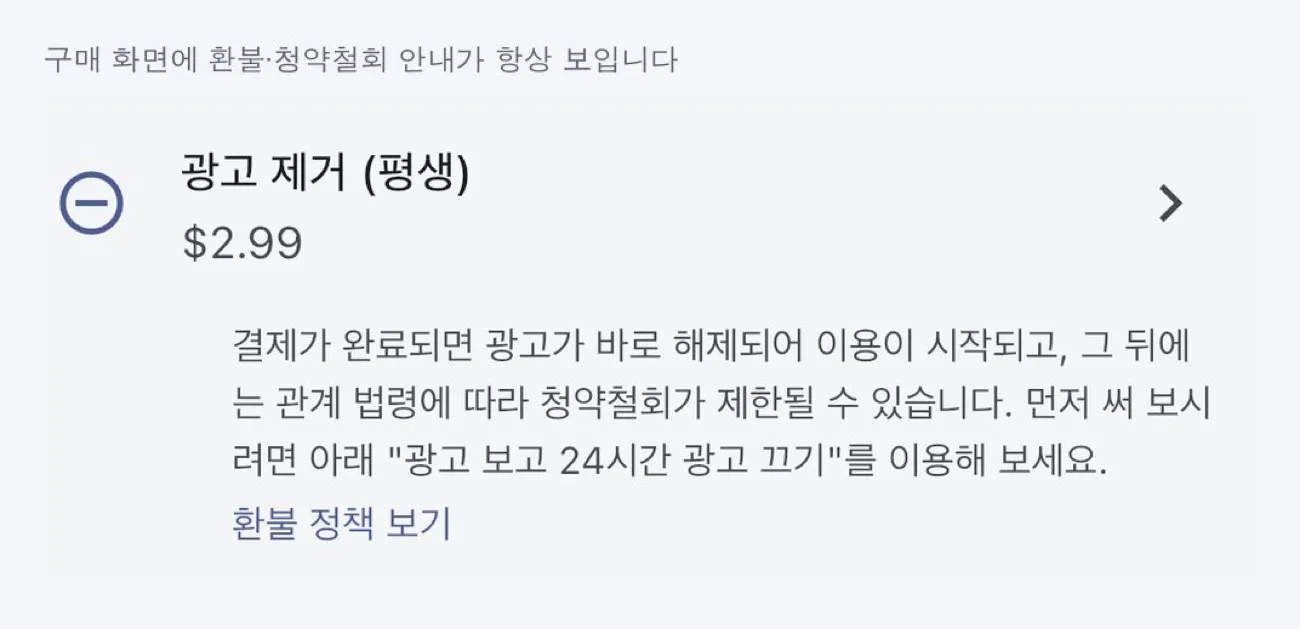
Once payment is complete, ads are removed immediately and your purchase takes effect, after which your right to cancel may be limited under applicable law. We believe you should be able to see this before you pay. Rather than adding one more dialog to click through, we chose to keep it somewhere you can always see it.
If you would like to try it first, use "Watch an ad to turn off ads for 24 hours." One rewarded ad gives you a full day without ads.
How to get it
- Android — Update from Google Play (it may take a few hours to reach you): https://play.google.com/store/apps/details?id=com.codesand.hanjjok
- iOS — Update from the App Store: https://apps.apple.com/app/id6774474983
Official site: https://codesand.co.kr/en/app/hanjjok
Contact: Settings → Feedback in the app, or hanjjok@reply.codesand.co.kr