Hi, this is Hanjjok.
Version 1.2.3 is now in the stores. The Google Play rollout has started, and the App Store version is currently in review. It will be available on iPhone and iPad as soon as review is complete.
The focus of this update is feedback.
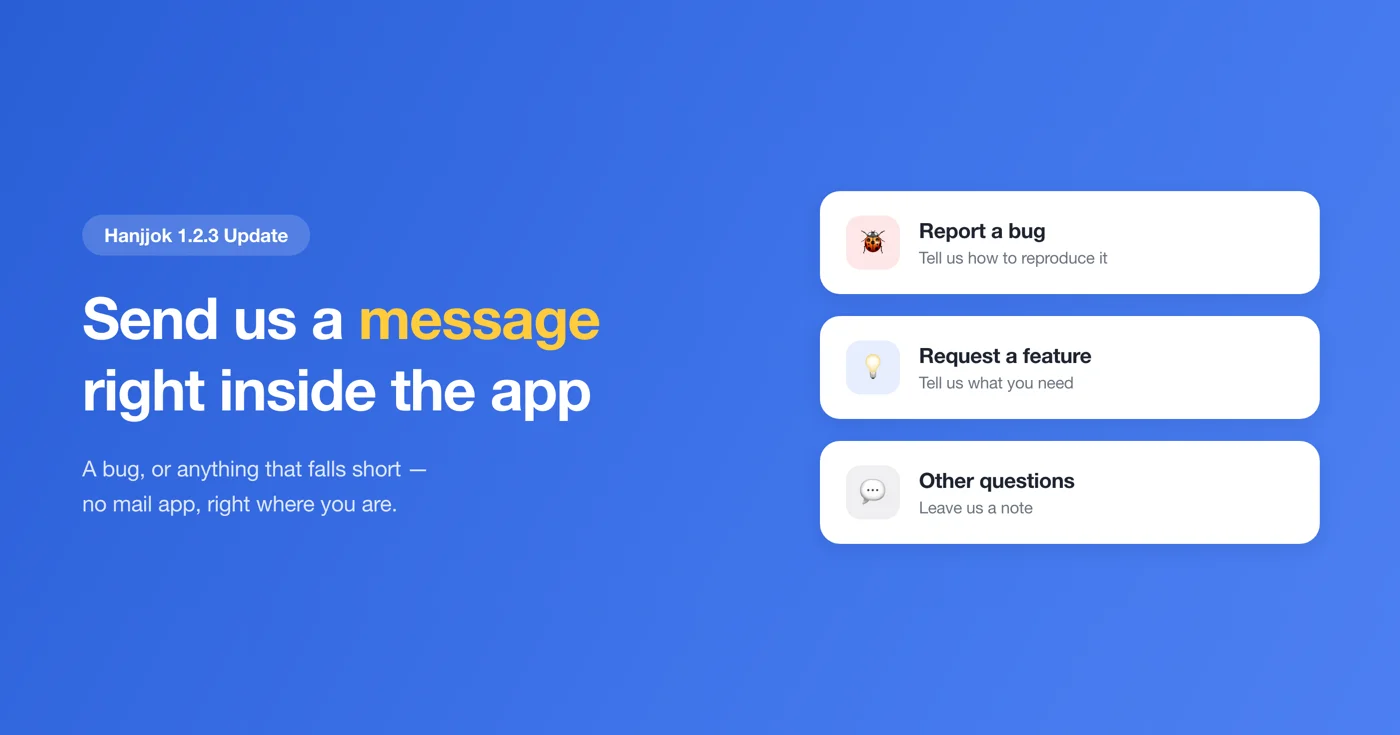
Send feedback without leaving the app
Until now, you had to open your mail app yourself to get in touch. Now you can send it straight from Settings → Feedback.
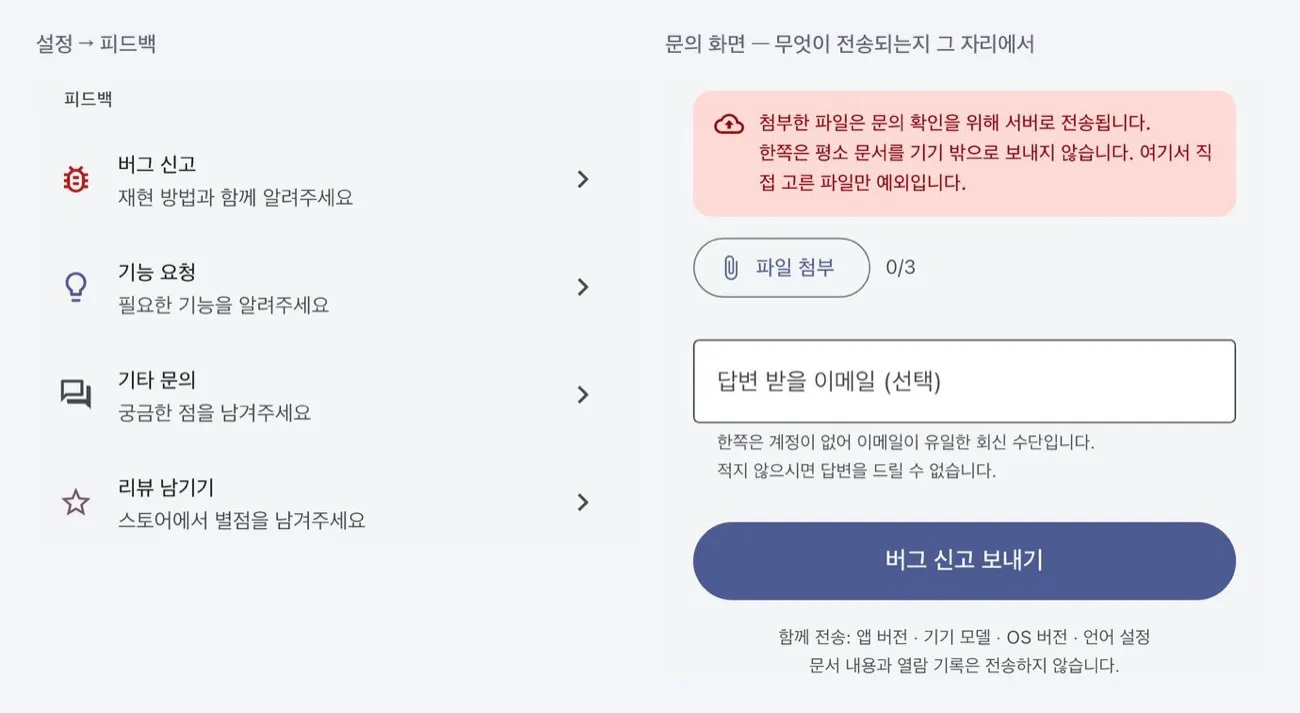
- Report a bug — tell us how to reproduce it
- Request a feature — tell us what you need
- Other questions — ask us anything
To help us track down problems quickly, your app version, device model, OS version and language setting are sent along with your message. Document contents and viewing history are never sent.
You can attach files — but here is what to know
When a document opens incorrectly, we usually need to see the file itself to find the cause. So you can attach up to 3 files, 10 MB each.
We want to be clear about one thing. Hanjjok normally never sends your documents off your device. Rendering documents on screen, converting them to PDF and printing all happen entirely on your device. The only exception is a file you pick yourself on the feedback screen — that file is sent to our server so we can look into your request.
The app shows the same notice on screen. If a document contains sensitive information, please think carefully before attaching it.
Email is optional
Hanjjok has no user accounts, so email is the only way we can reply. Your message still reaches us and helps us improve even without one, but we will have no way to answer you. If you would like a reply, please be sure to include it.
Fixed: sharing did nothing on iPad
On iPad, tapping PDF conversion, Print or Share Text did nothing at all. iPad needs the app to say where the share sheet should appear, and without that value the sheet silently fails to open.
It now opens correctly in all four places (document viewer, PDF, text extraction and sharing). iPhone and Android were never affected.
Other changes
- When a document fails to open, the PDF and Print buttons are now disabled, so you no longer hit an error trying to convert a document that never opened.
- Users in the European Economic Area and the UK now see an ad consent prompt. You can use every feature even if you decline — you will simply see non-personalized ads. You can change your choice any time in Settings > Ad consent settings.
How to get it
- Android — Update from Google Play (it may take a few hours to reach you): https://play.google.com/store/apps/details?id=com.codesand.hanjjok
- iOS — Currently in review. It will be on the App Store as soon as it is approved: https://apps.apple.com/app/id6774474983
Official site: https://codesand.co.kr/en/app/hanjjok
Contact: Settings → Feedback in the app, or hanjjok@reply.codesand.co.kr