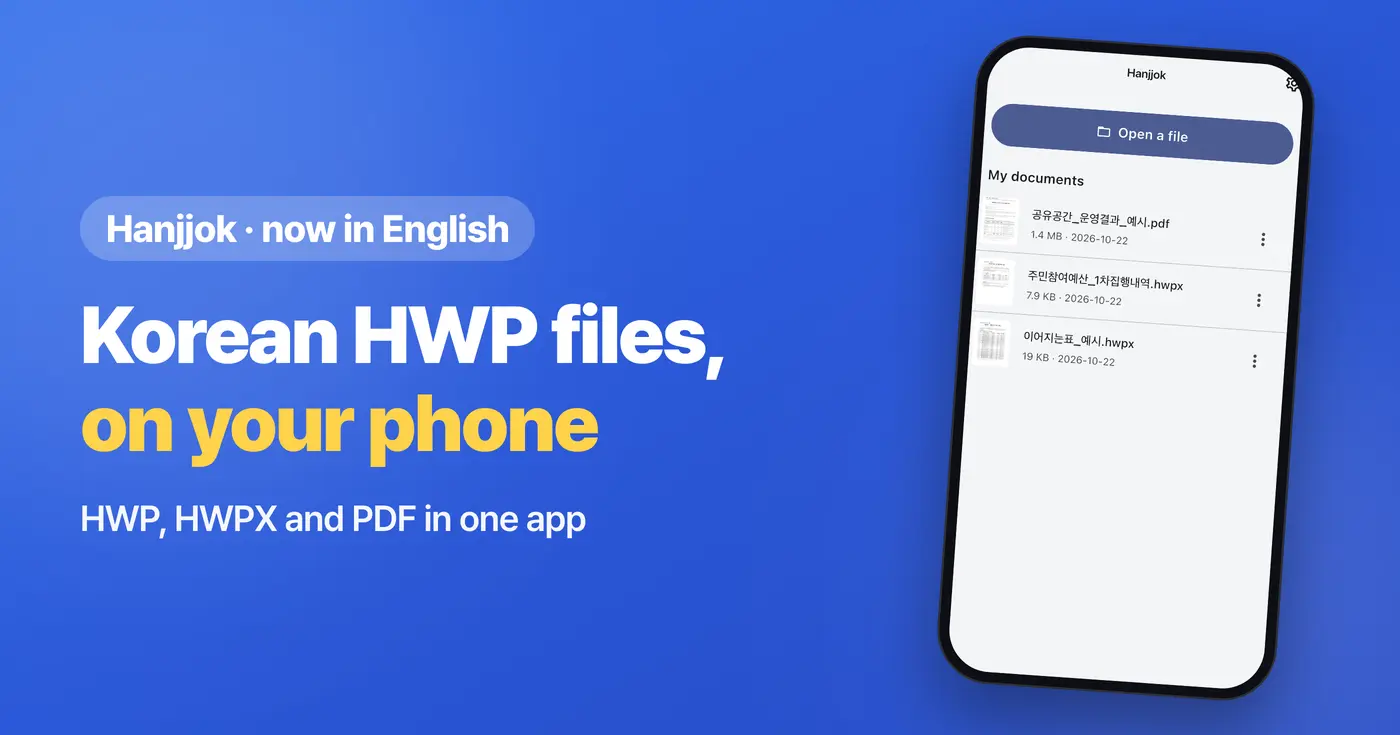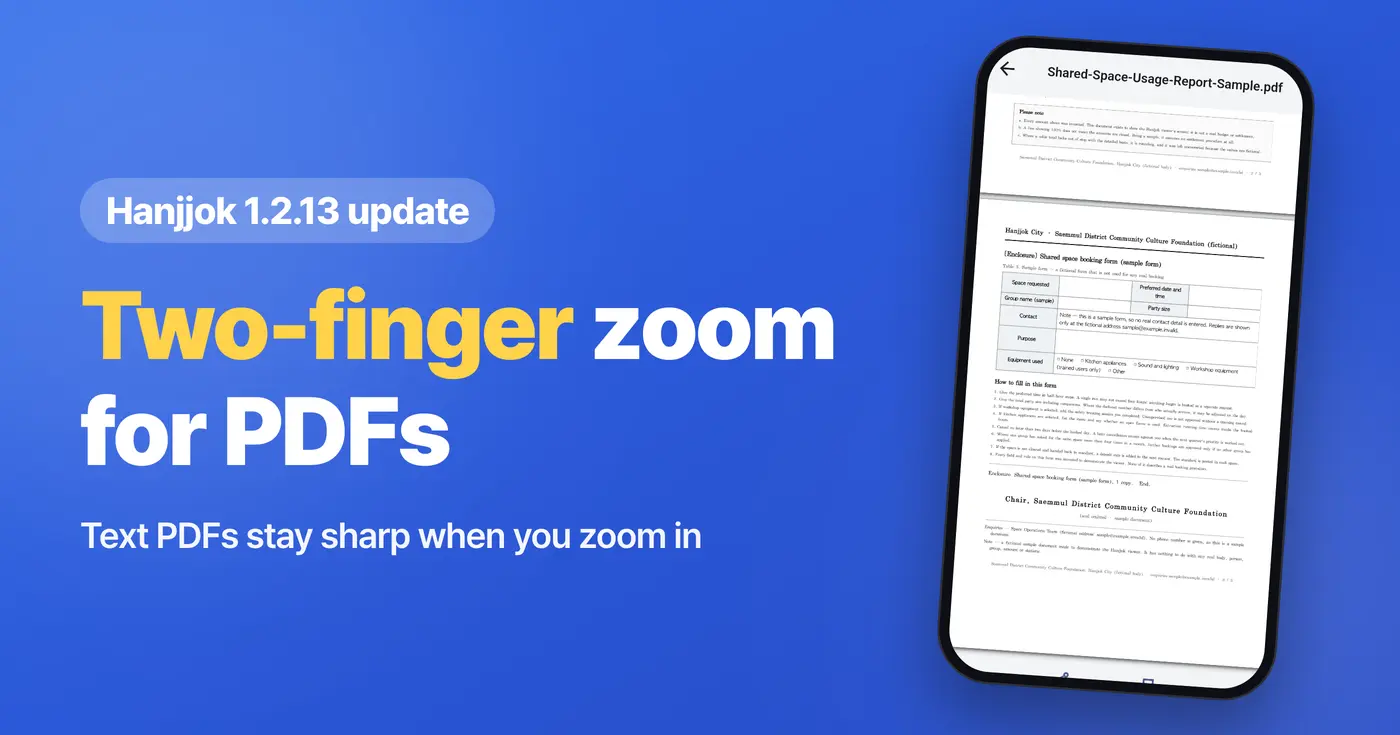
We're announcing the Hanjjok 1.2.13 update for our HWP viewer that opens Korean Hangul files and PDFs on your phone. The update is now live in both the Android and iOS stores, so you can update right away.
Zoom into PDFs with two fingers
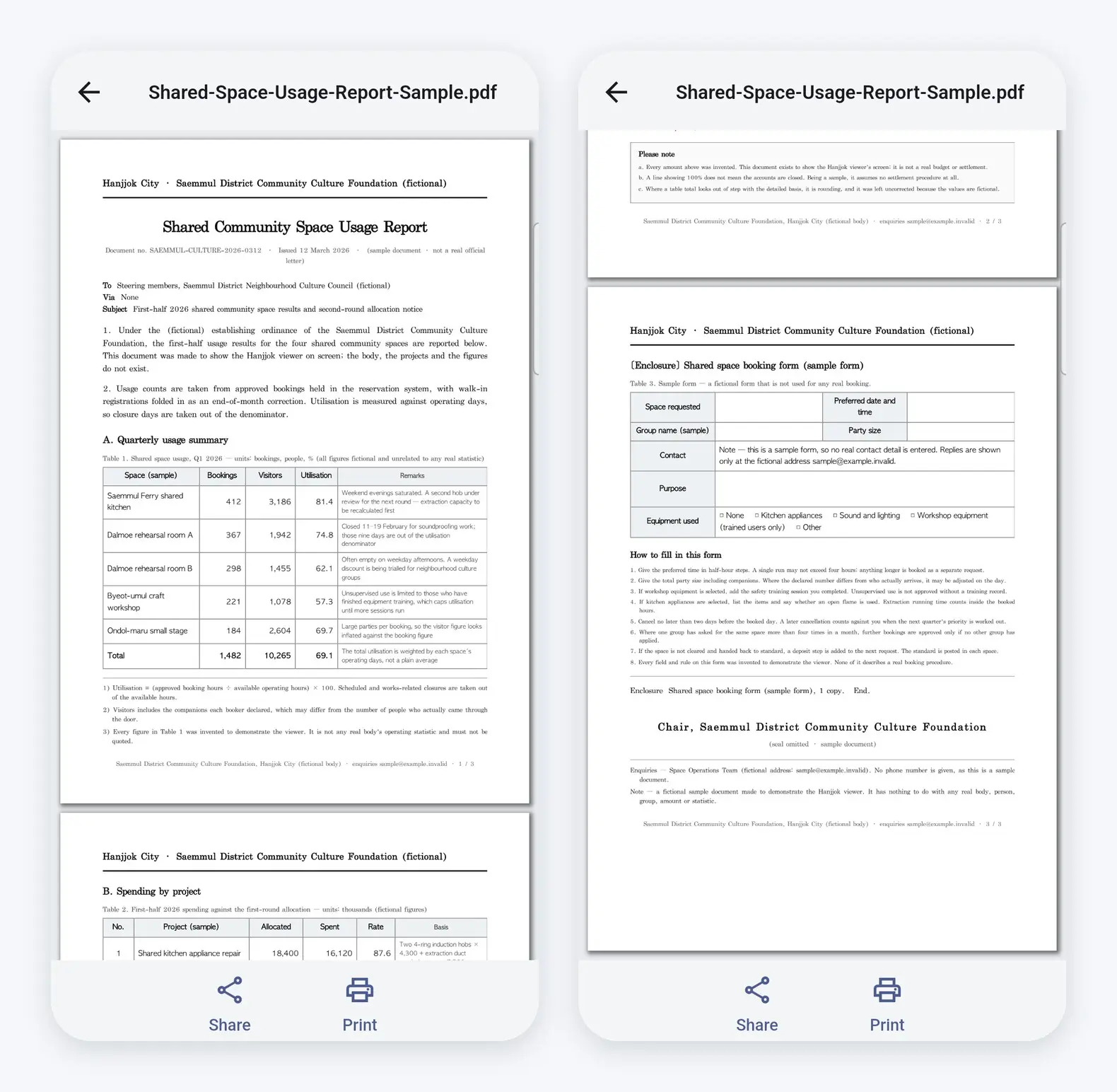
Spread two fingers on a PDF document and it zooms in right away. PDFs made from text are redrawn sharply after you zoom, so you can comfortably read even small text. Scanned documents show at their original quality. Even if you've only used the HWP viewer for Hangul files, you can open PDF attachments in the same app as they are.
Fixed problems with large PDFs and table text
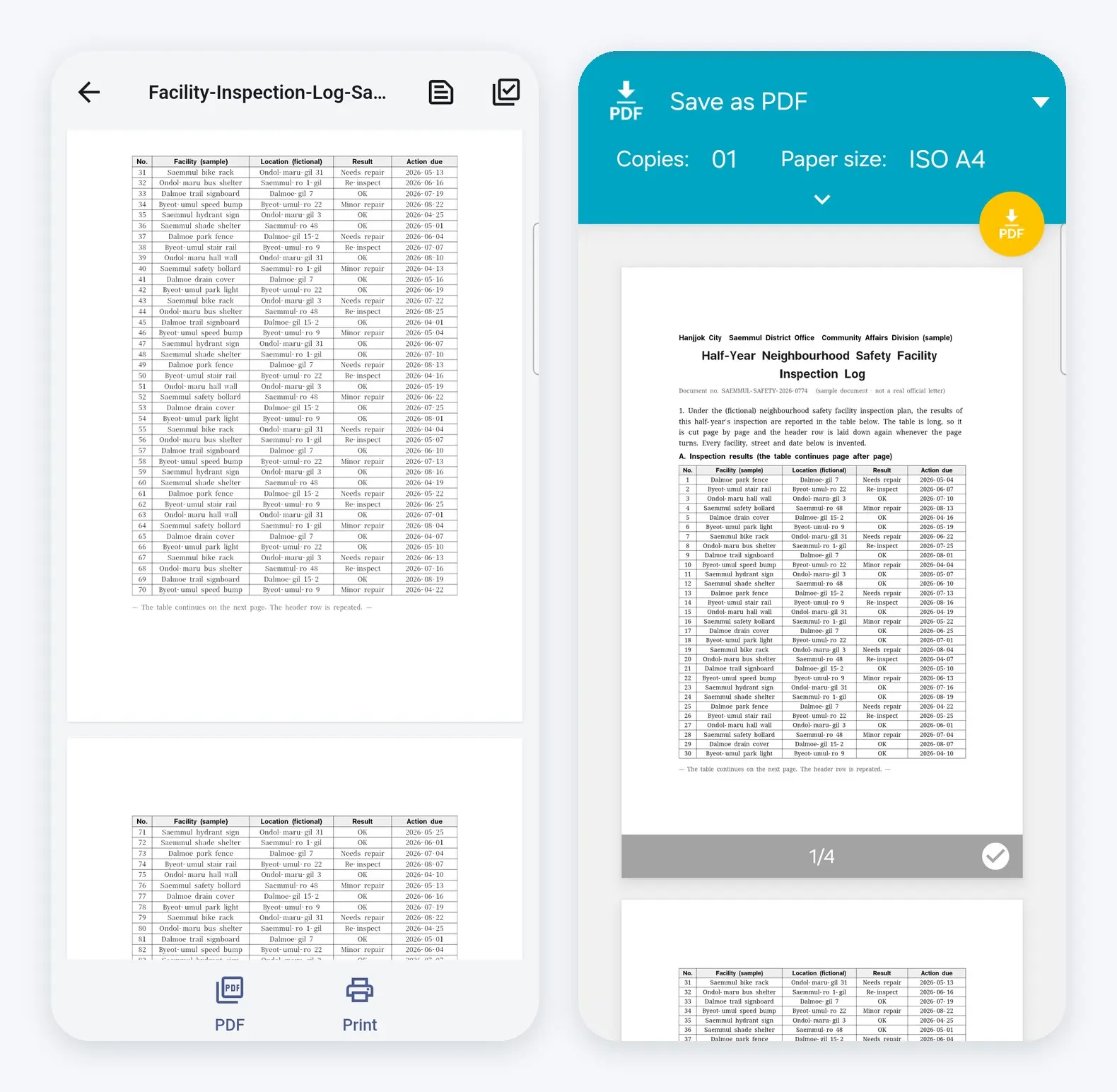
- We fixed a problem where the app closed when opening large PDFs of more than 100 pages.
- We fixed a problem where text in table cells appeared blank in multi-page Hangul documents (HWP/HWPX). (This mostly happened on Android.)
- We fixed a problem where printing froze when you changed the paper size.
School notices and company forms with lots of tables now display more reliably in the HWP viewer Hanjjok. If a document still shows blank tables after the update, please let us know at the email address below.
Good to know
Starting with this version, Hanjjok on iPhone and iPad requires iOS 15 or later. A new PDF engine has been added, so the app is slightly larger.
If you've been looking for an HWP viewer to open Hangul files on your phone, give Hanjjok a try. If someone around you is struggling with Hangul files, you might tell them about the HWP viewer Hanjjok too.
Download
- Android: https://play.google.com/store/apps/details?id=com.codesand.hanjjok
- iOS: https://apps.apple.com/app/id6774474983
- About the app: https://codesand.co.kr/en/app/hanjjok
Contact: hanjjok@reply.codesand.co.kr